Upload your photo
Start with a clear shot from your phone. You can upload a single photo or a batch.

DIY PHOTO EDITING FOR REAL ESTATE PROS
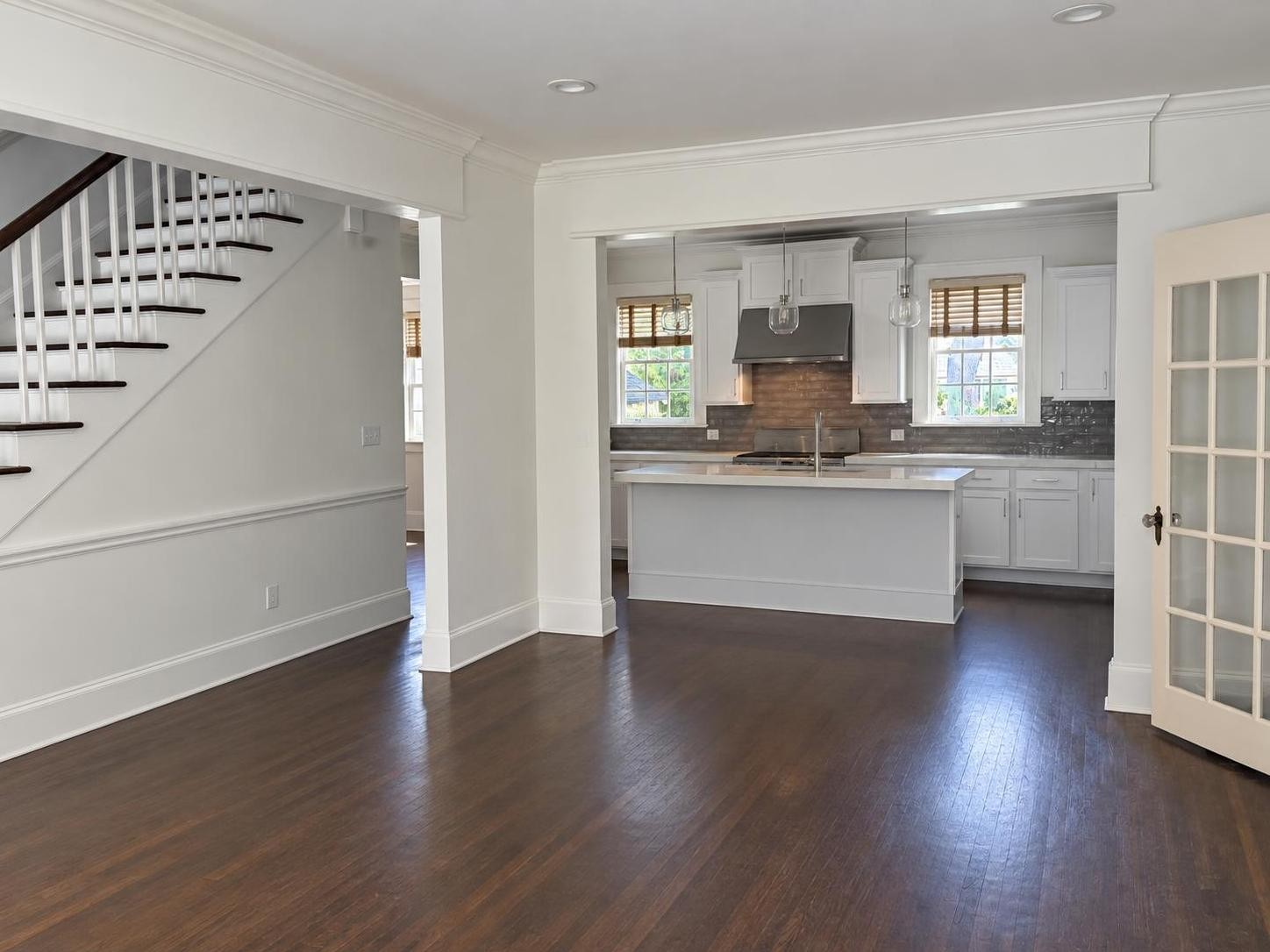
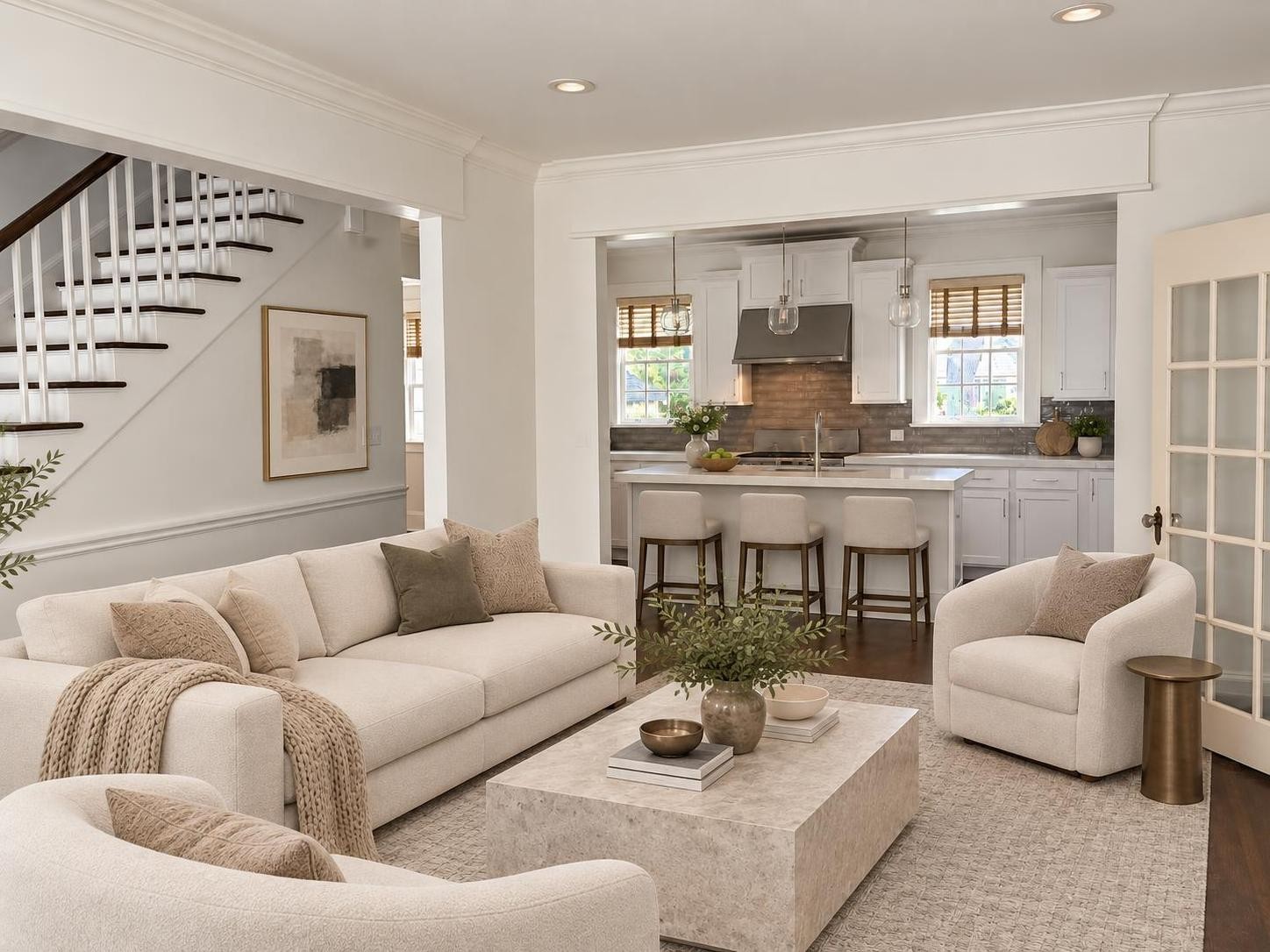
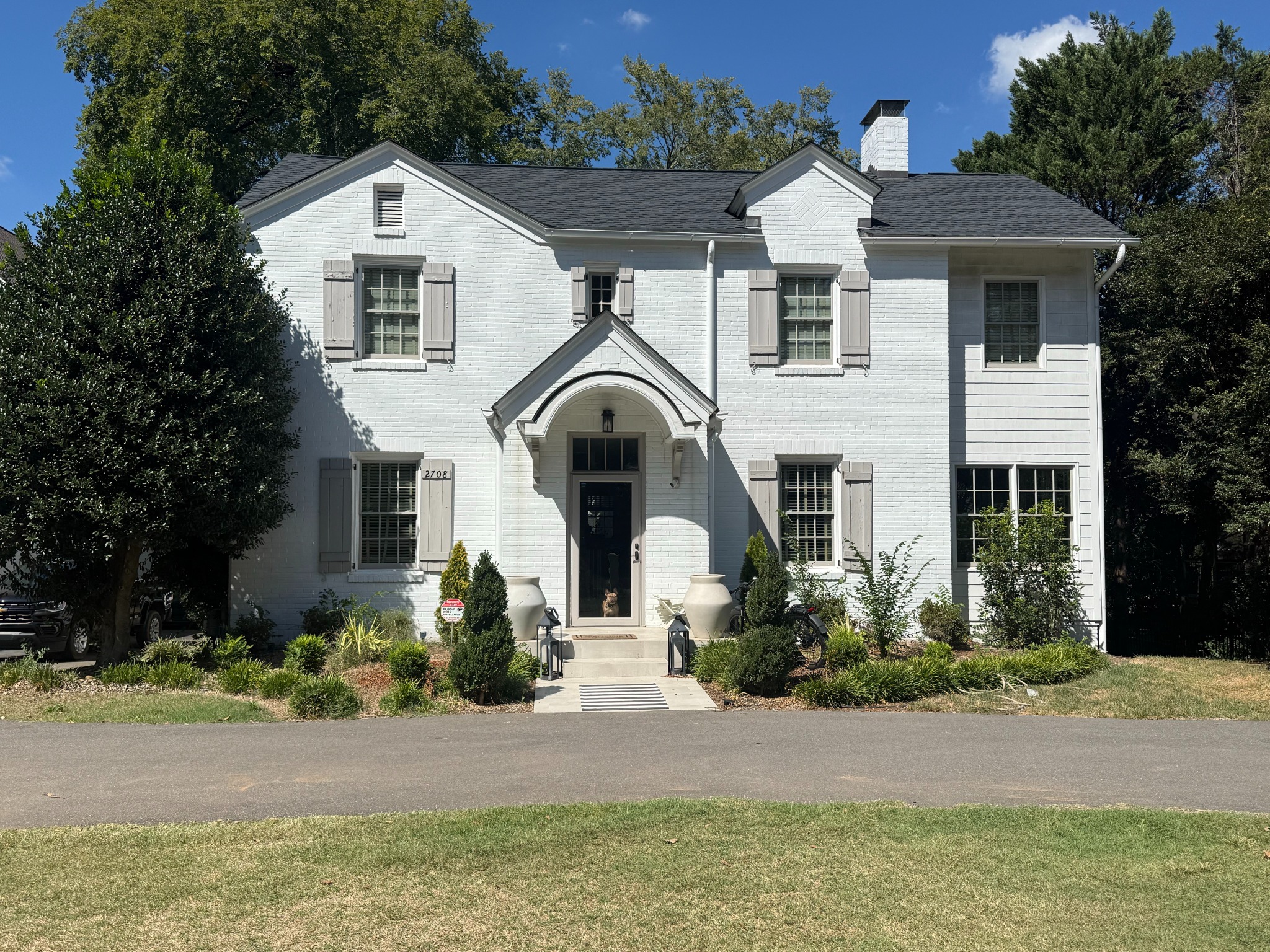
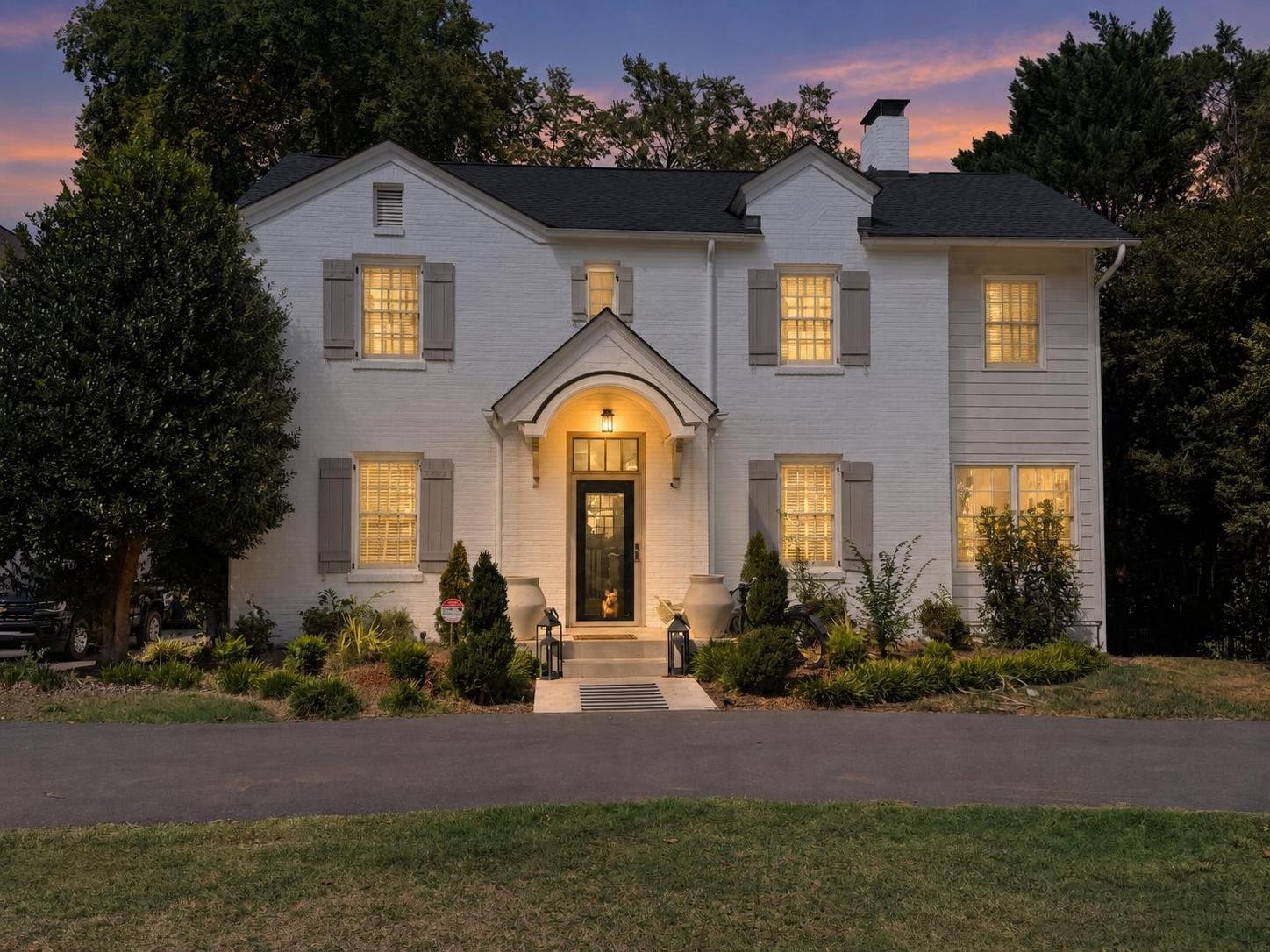
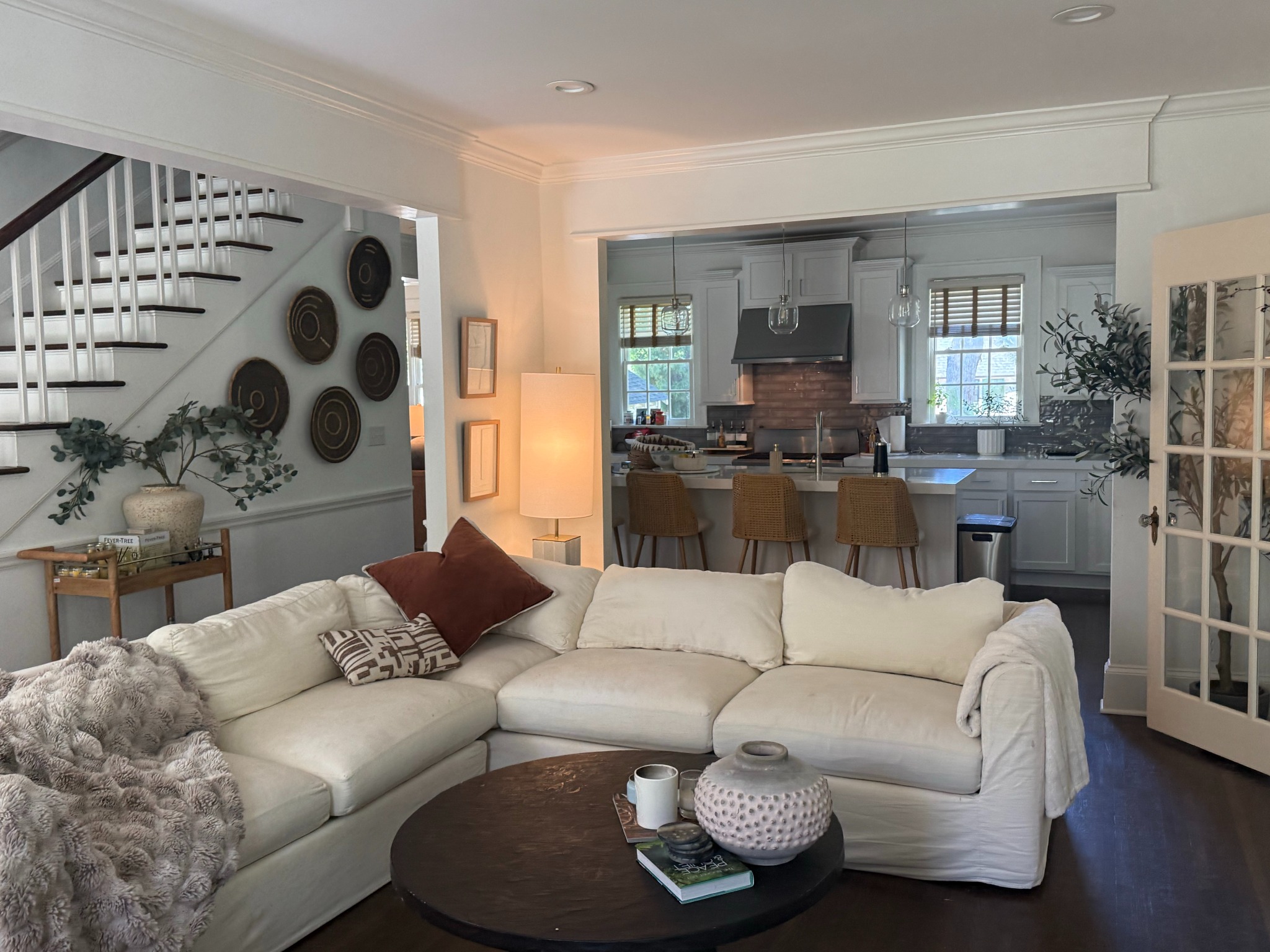
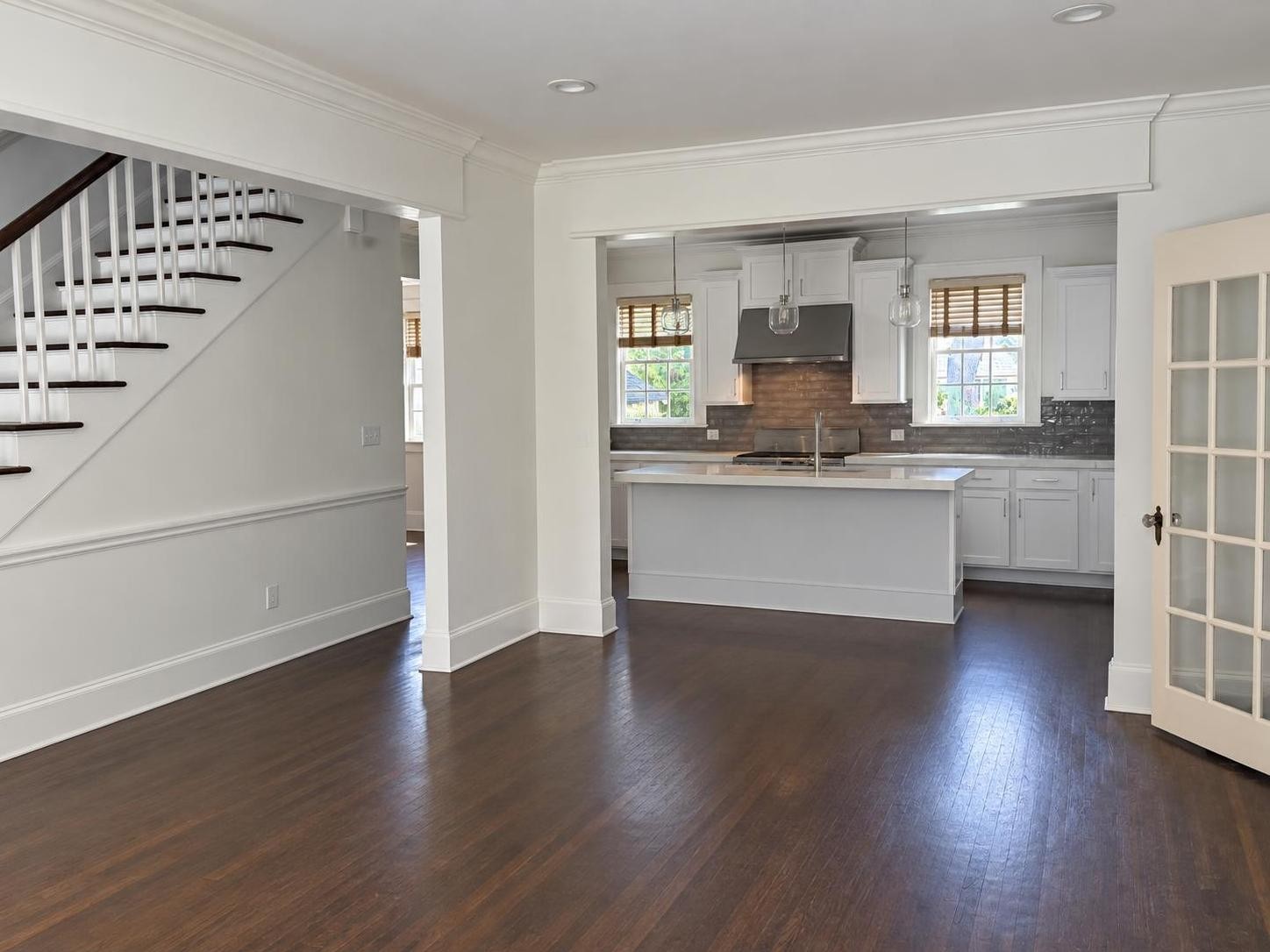
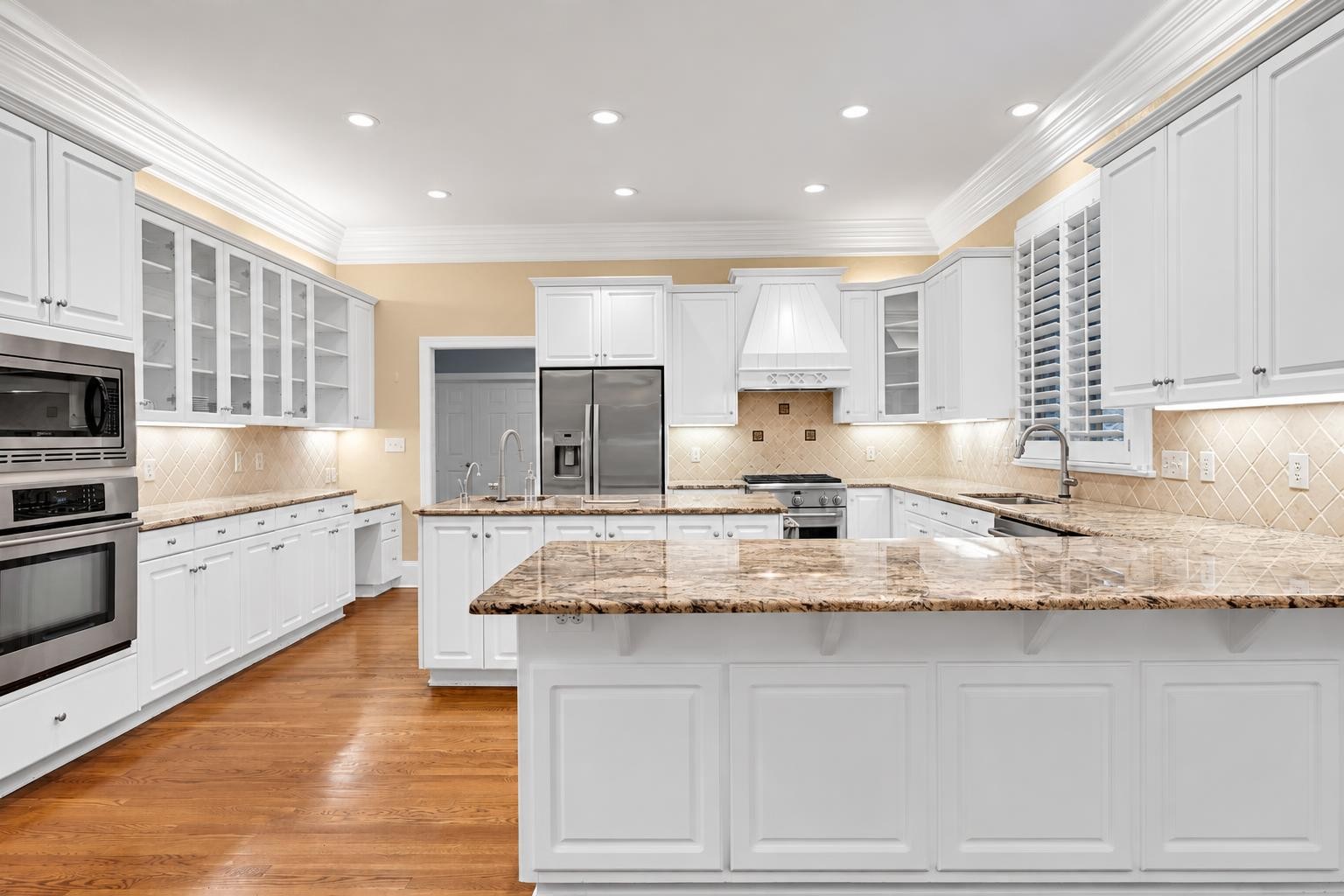
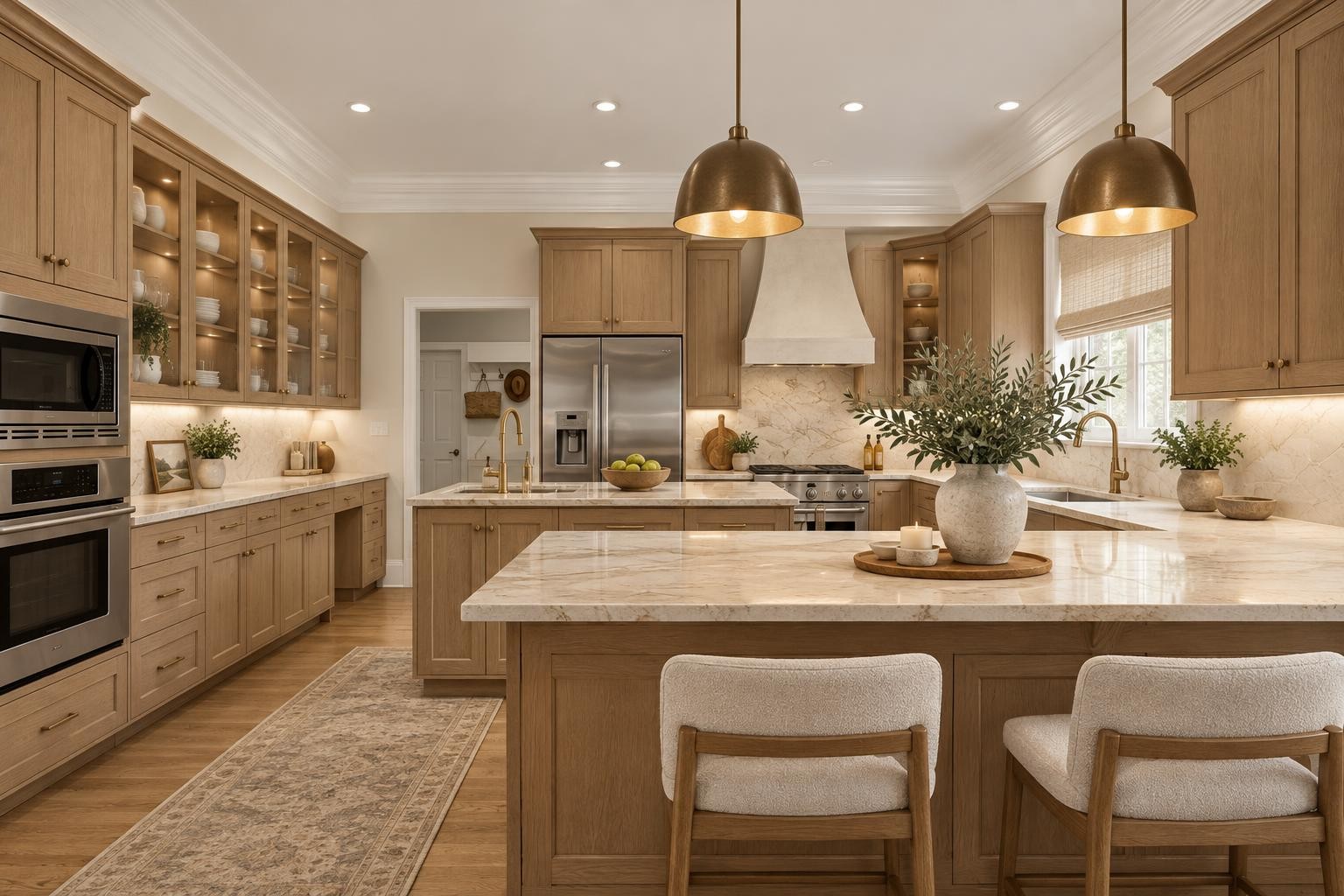
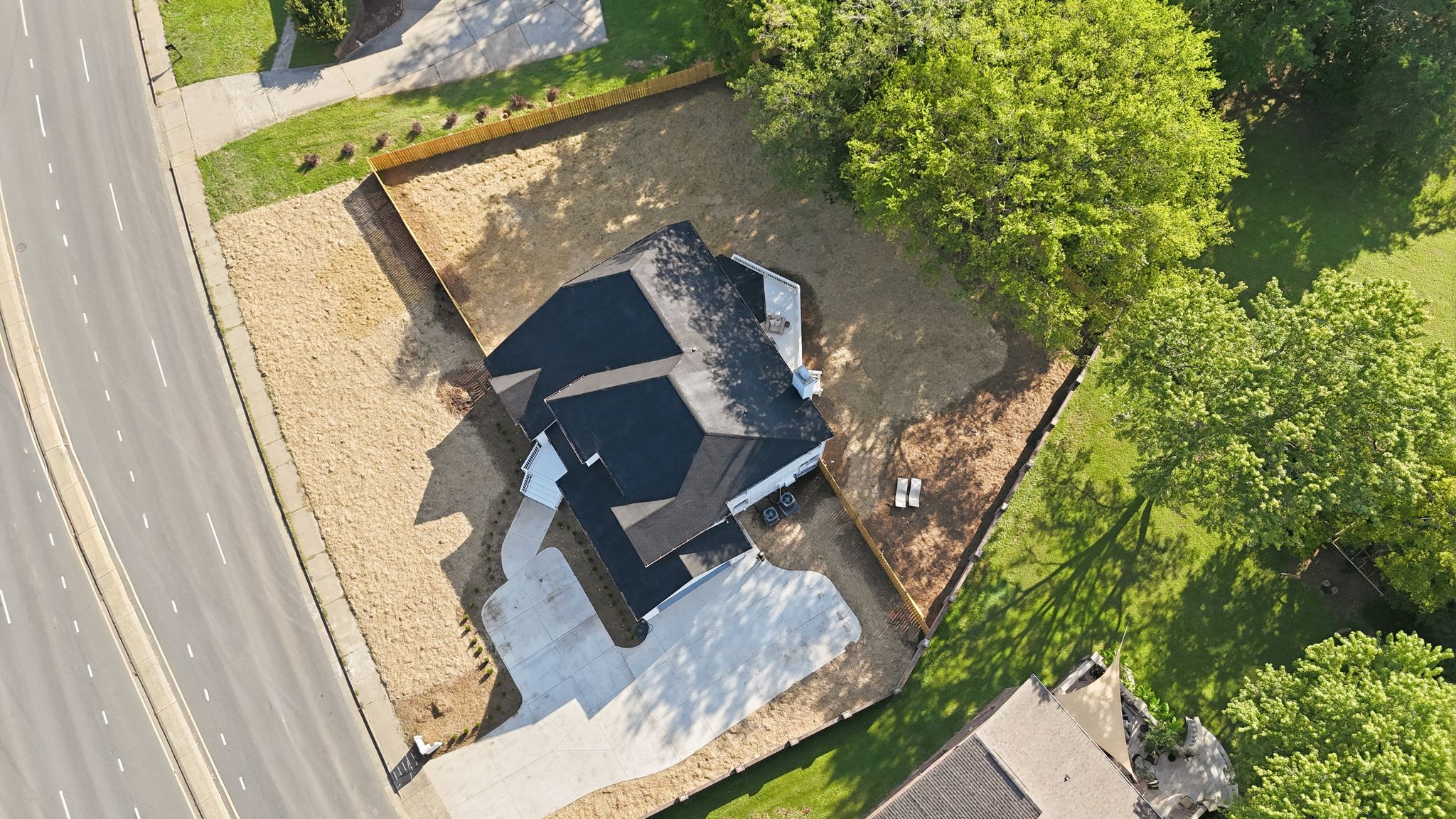
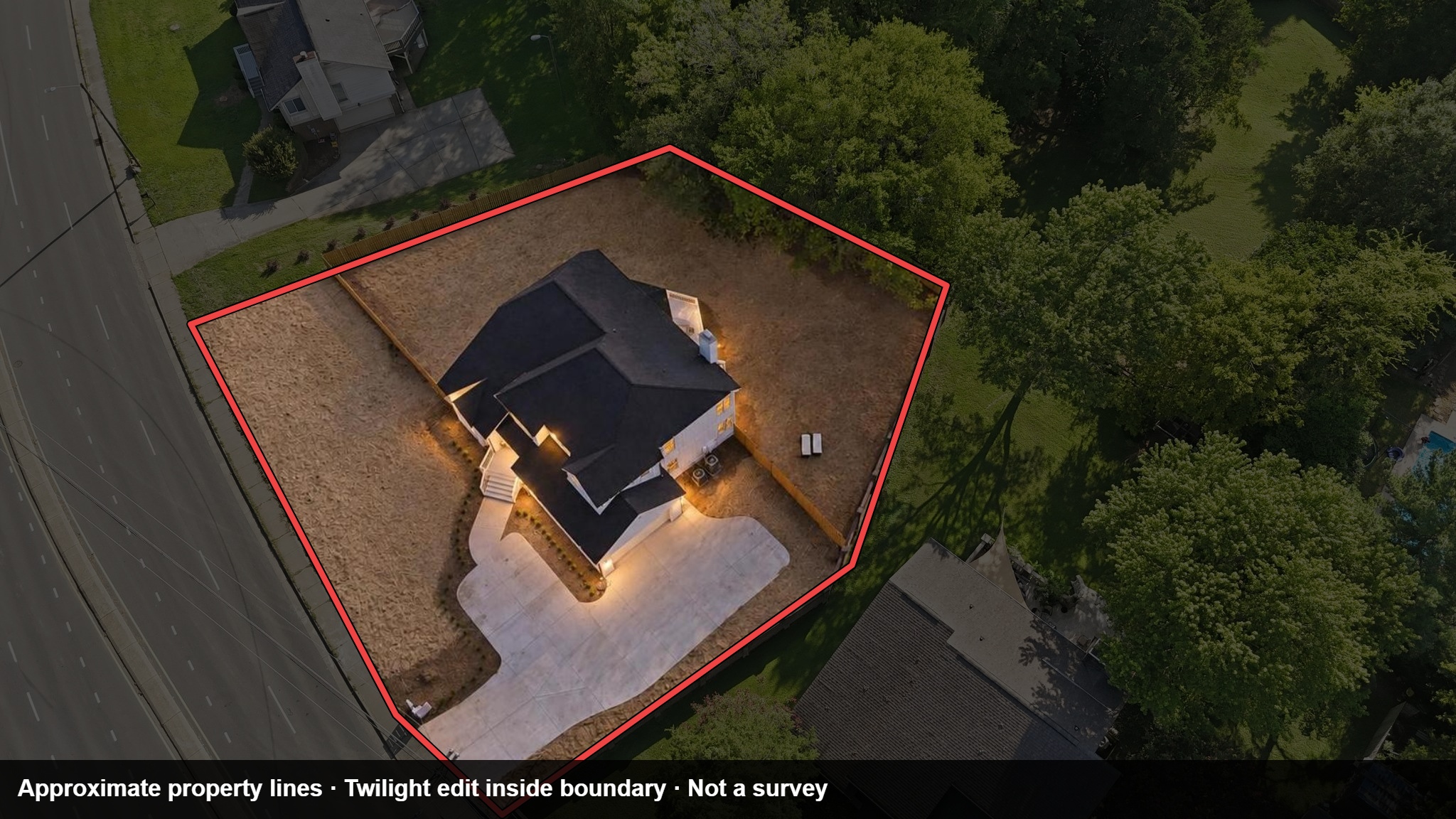
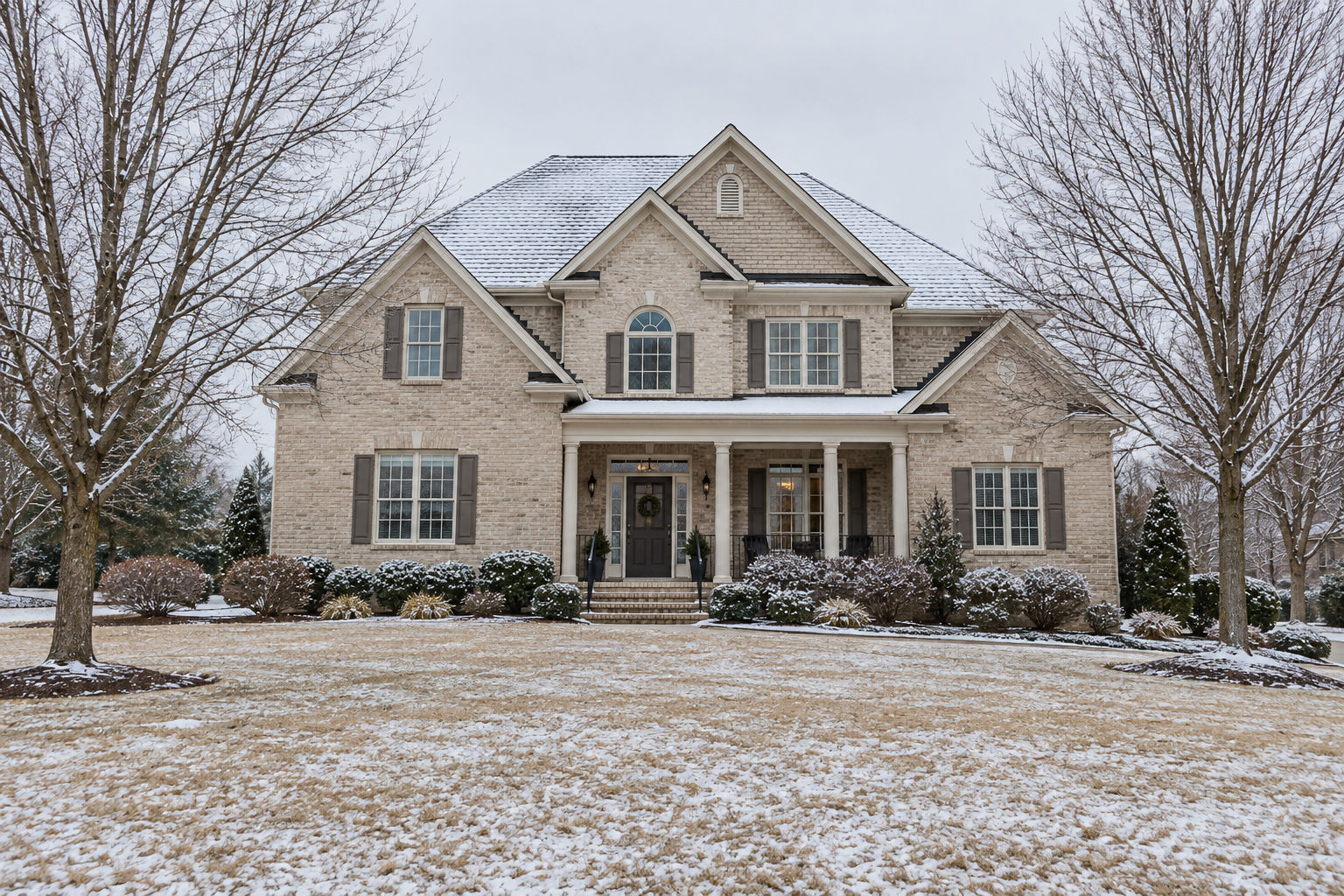
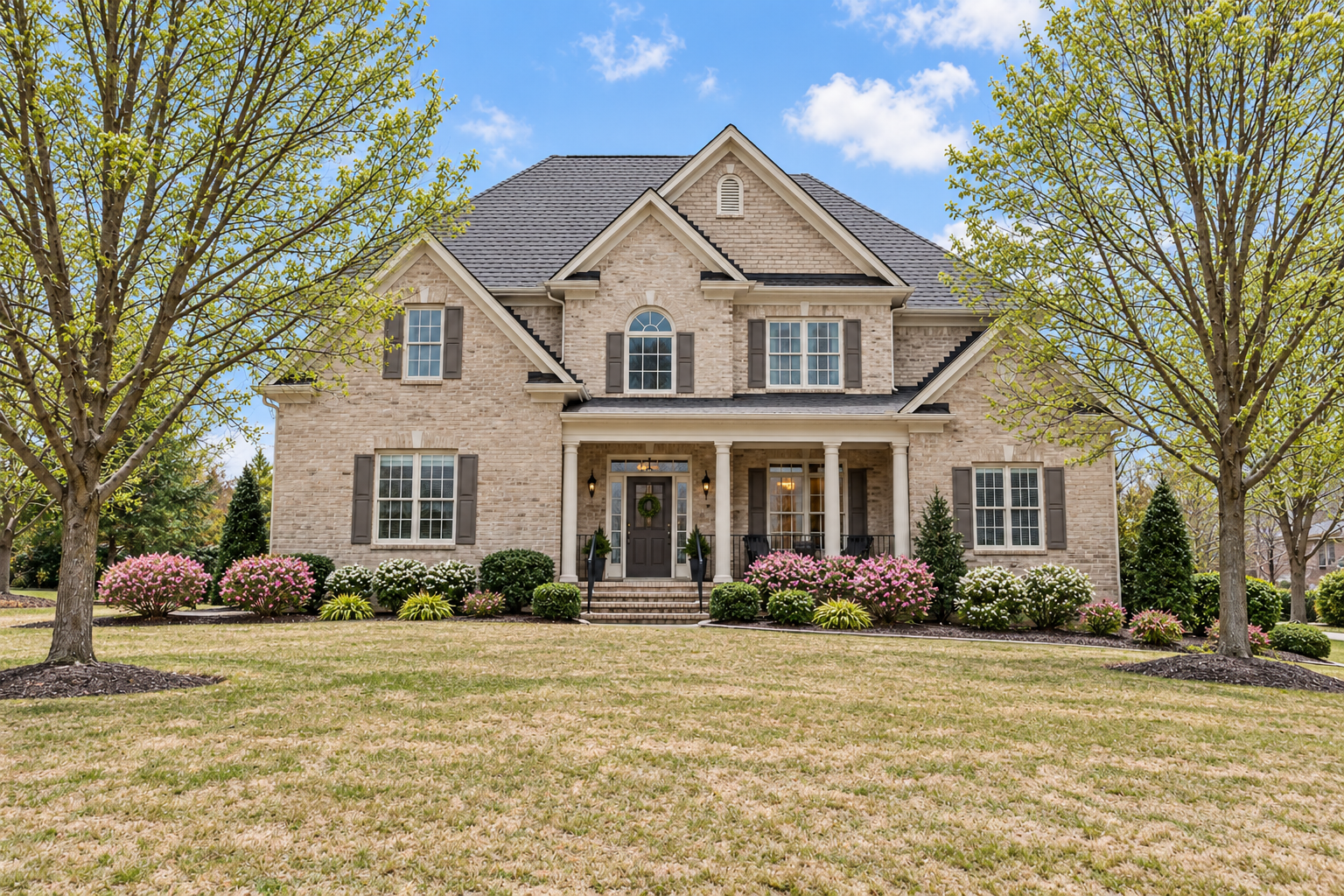
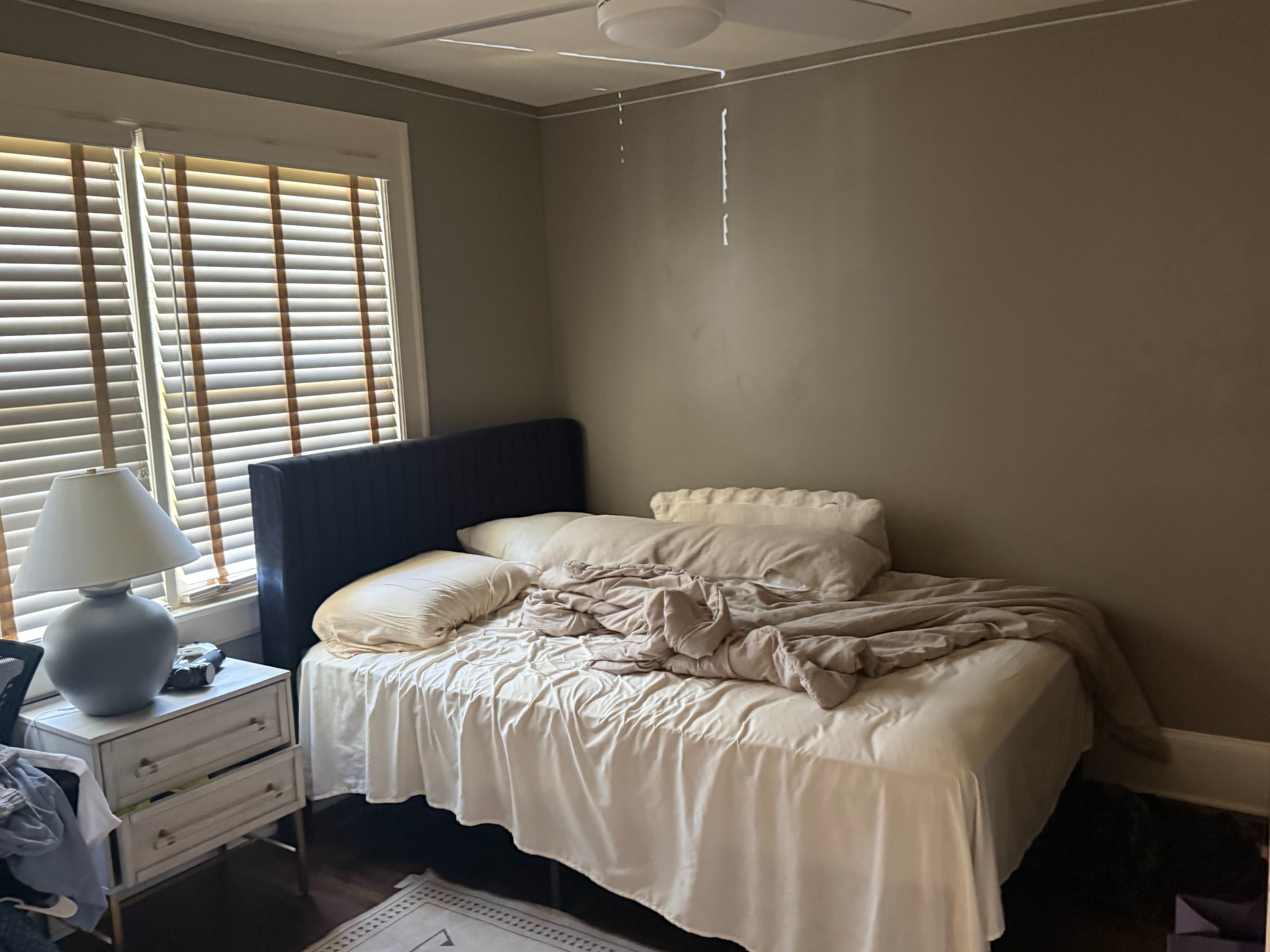
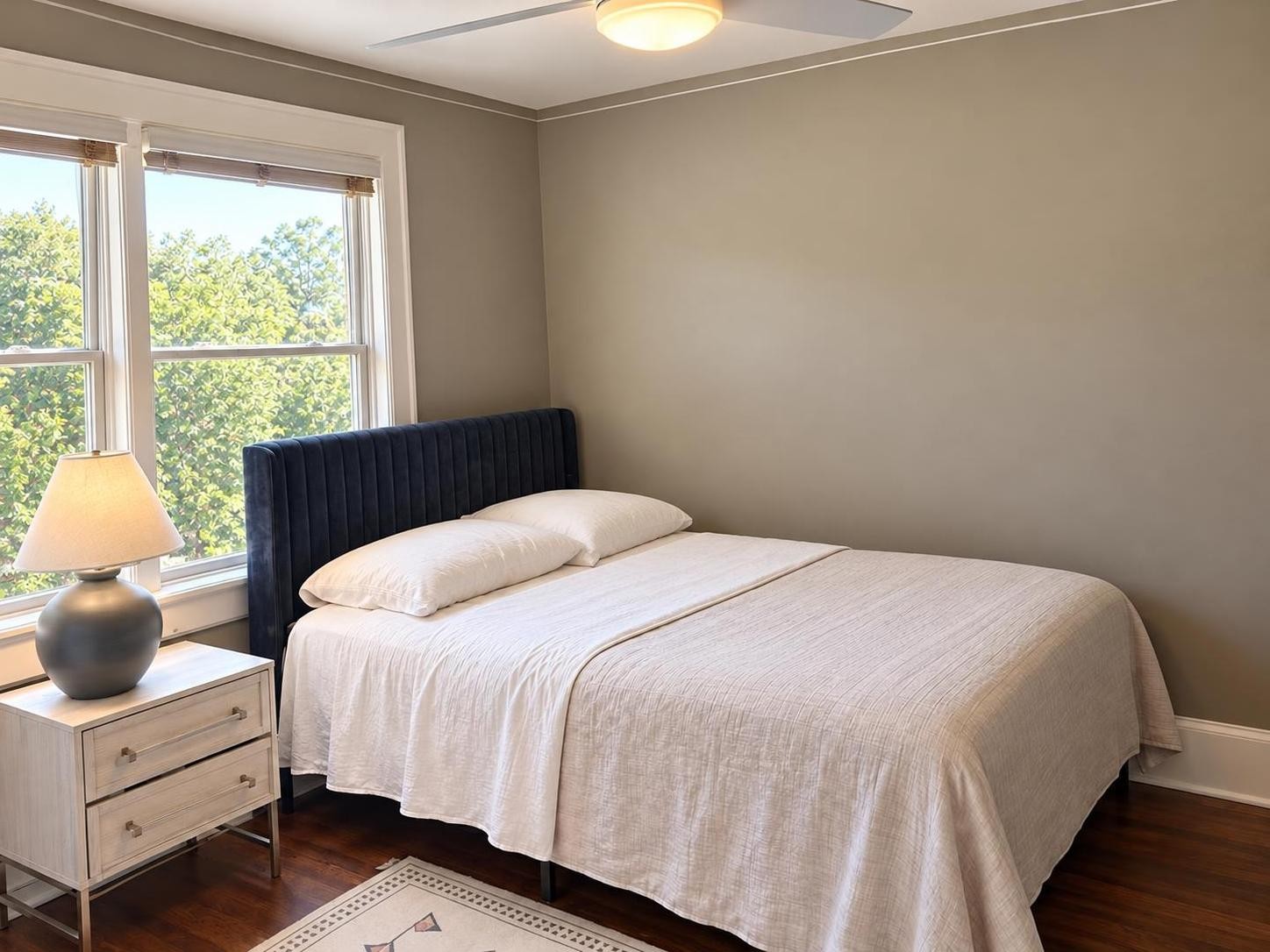
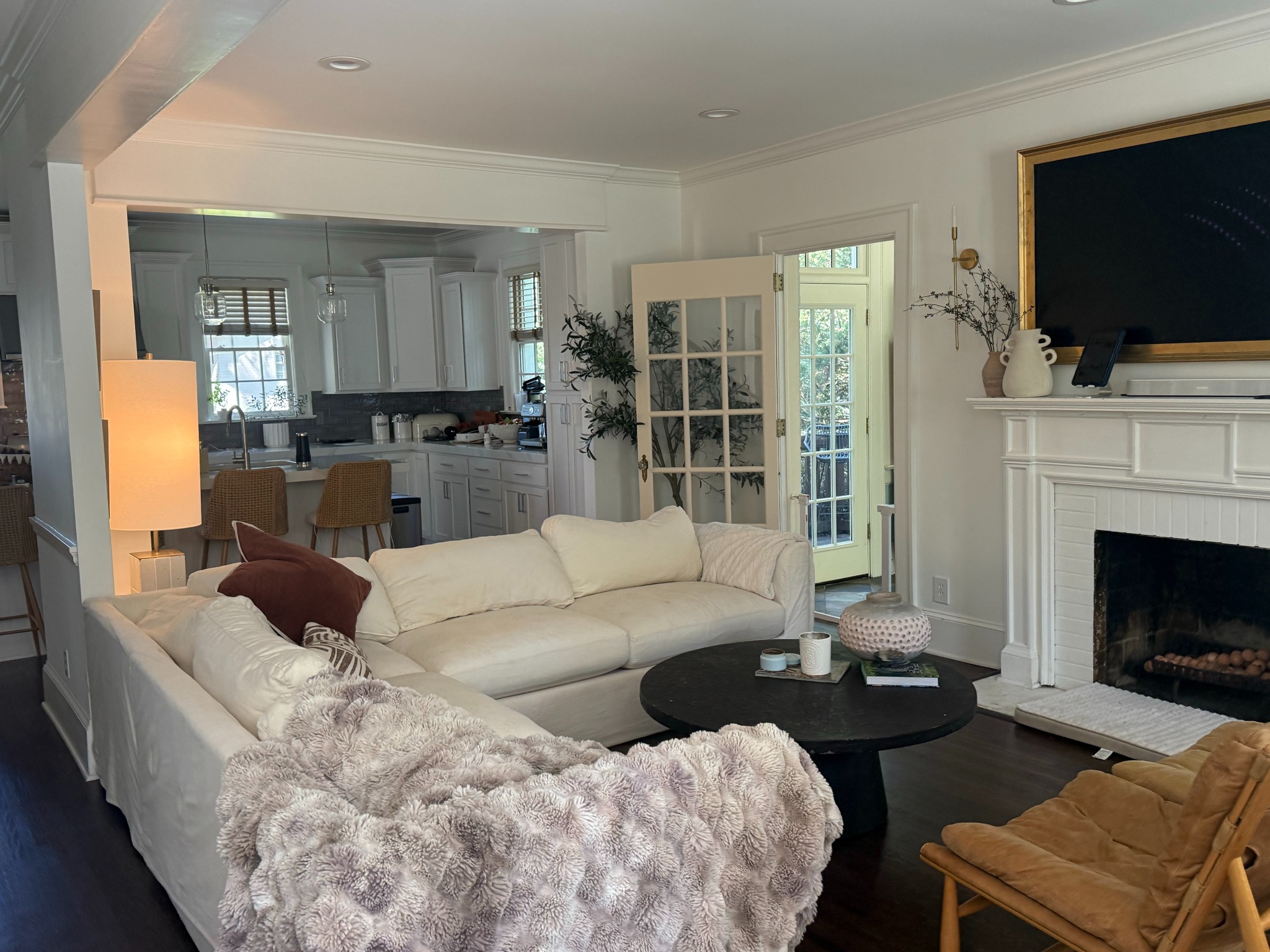
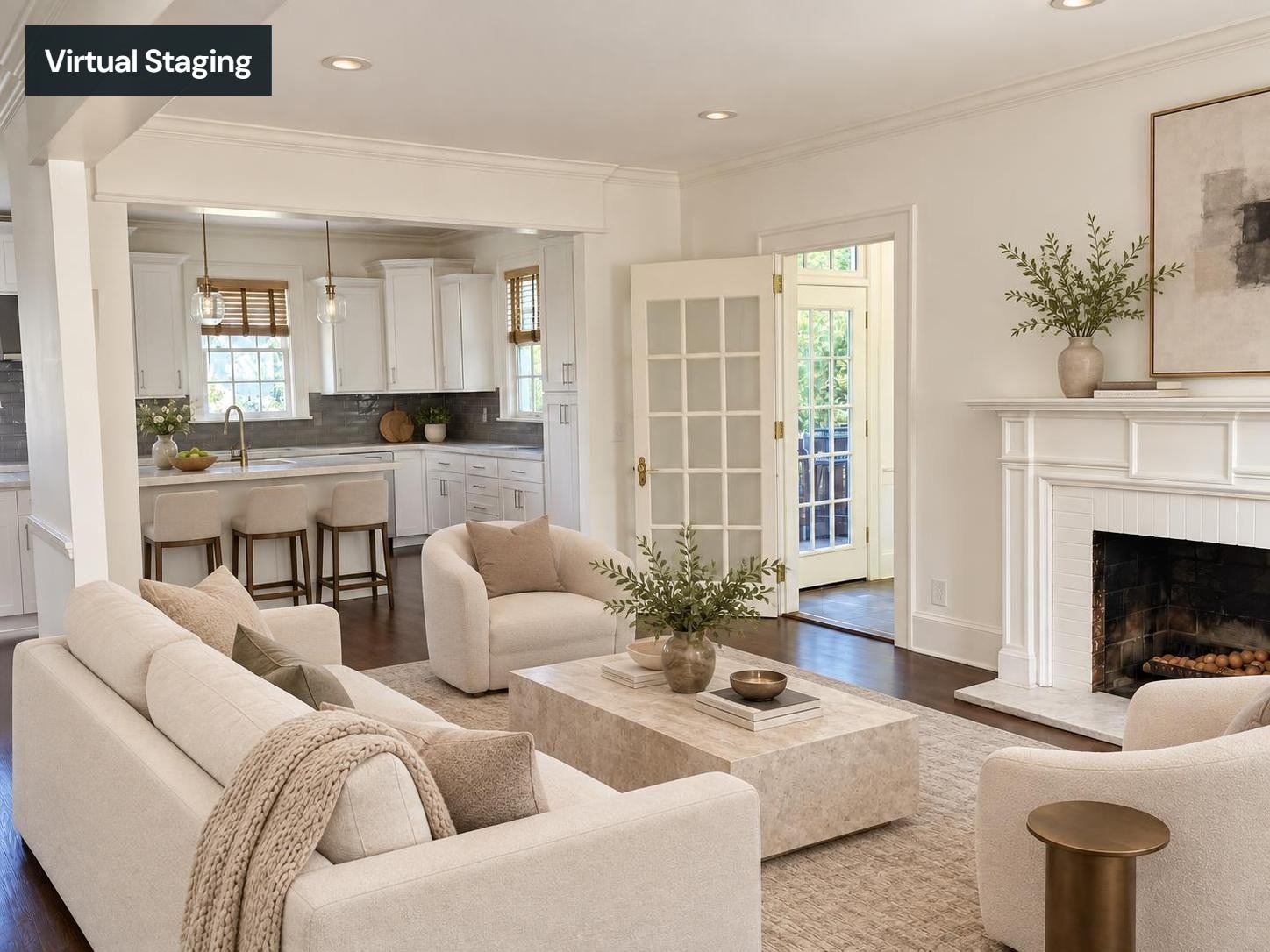
Virtually stage empty rooms, replace furniture and create twilight photos—all from your phone.
10 photo edits over 7 days.
No credit card. No automatic subscription.
FROM THE FIELD
“One of the best apps in my tool kit”
“I use this app when I’m with my buyers showing houses, it’s fantastic and easy to use”
“By end of my listing presentation I already have got coming soon photos ready.”
START WITH ONE PHOTO
Create your account and verify your email to begin your free trial.
Start with a clear shot from your phone. You can upload a single photo or a batch.
Pick the treatment and review the displayed edit cost before you begin.
Compare the result with your original. Keep the appropriate virtual staging or concept label when sharing.
Watch the video tutorialsRead the current quick start guide
Some tutorial recordings show earlier controls. The quick start guide describes the current workflow.

BUILT BY A REAL ESTATE AGENT
I’m Giles, a working real estate agent and the founder of Broker Studio. I built it for the moments a listing needs better photos: a seller still packing, a room waiting for furniture, or an exterior you’d like to see at twilight.
Start with a photo of your own. Review the result and decide whether it earns a place in your marketing.
Giles Barker Founder, Broker Studio
Contact me at support@broker-studio.comBEFORE YOU UPLOAD
Your uploads are used to provide your workspace and requested edits. Selected photos and editing instructions are sent to OpenAI for processing with your consent. We ask permission before using customer photos as marketing examples.
Photos remain in your account until removed in the Studio or handled through a deletion request. Read about storage, deletion and privacy.
Your trial ends after 7 days or 10 successful photo edits, whichever comes first. New edits pause, but your saved photos remain available to view and download. No subscription or charge starts automatically.
Review each result against the actual property. Label virtual staging and renovation concepts, and follow your brokerage and MLS disclosure requirements. Renovation concepts show possibilities, not completed work.
Send your question through Contact us or email support@broker-studio.com. Do not send passwords or sign-in codes.
LET YOUR OWN PHOTO CONVINCE YOU
10 photo edits over 7 days. No card. No automatic subscription.
Explore plans from $9.99/monthNOW ON THE APP STORE
Take Broker Studio with you.


Scan with your iPhone camera,
or tap to download.
*About 25¢ per edit on Producer: $29.99/month for 120 included photo edits, when all are used. Website pricing; App Store prices may differ. View plans