Natural enhancement
Refine the overall presentation of an existing photo. Review the result for natural-looking light, color and accurate property details.
Three editing directions, with your property photo library close at hand.
Refine the overall presentation of an existing photo. Review the result for natural-looking light, color and accurate property details.
Give selected exterior photos an evening look. These are AI edits, not photographs captured at dusk.
Help viewers imagine a furnished room. Select its intended use and a style before generating a staged image.
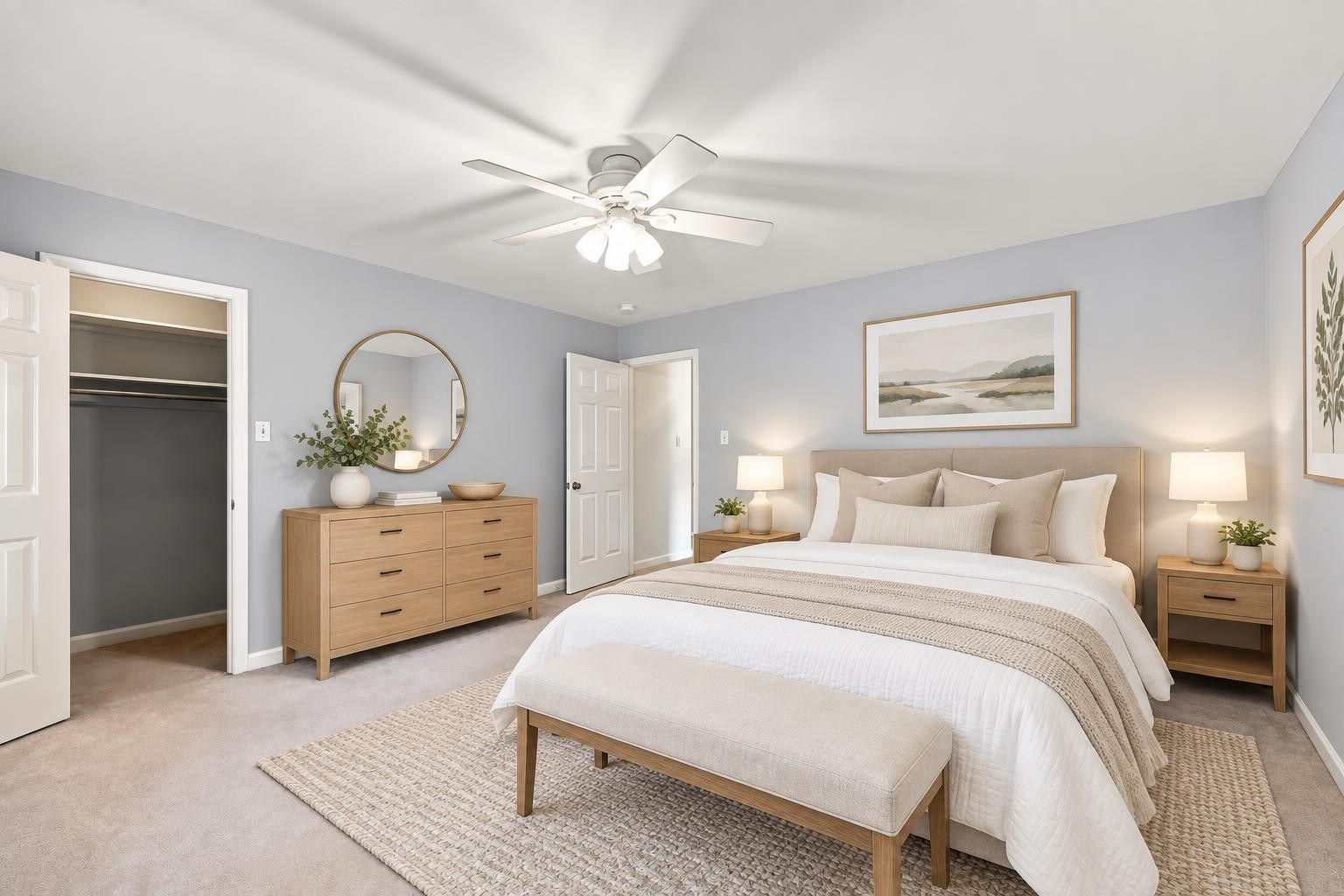
Modern & warm · Clean lines, inviting textures.
Classic & timeless · Familiar shapes, balanced details.
Minimal & bright · Airy layouts, restrained furnishings.
Transitional · Traditional comfort meets modern simplicity.
Luxury contemporary · Sculptural pieces, refined finishes.
Search and organize your collection by property rather than scrolling through one giant photo roll.
Select multiple photos for editing, and select finished images for a single ZIP download.
Keep the original alongside your edits so you can review the changes and choose the best version.
We’re exploring photo-based property videos and music options. Video generation is not included in the current photo editor or the listed memberships.